

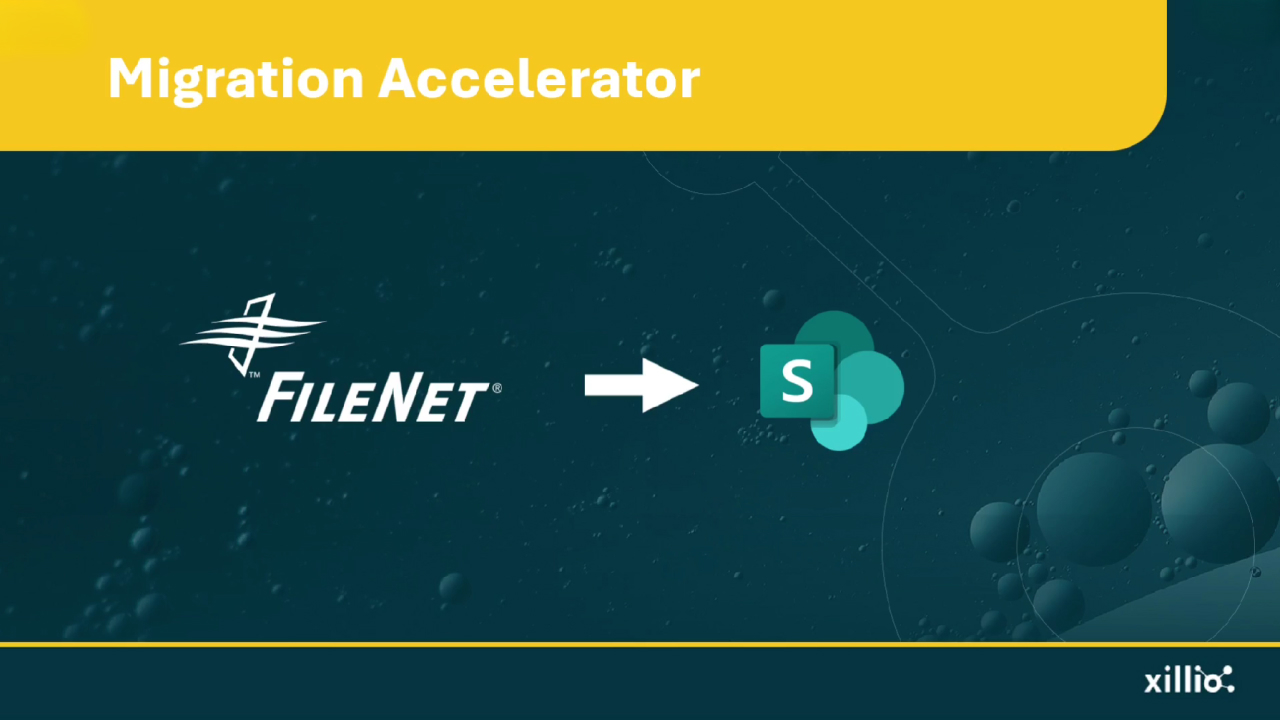
IBM FileNet to SharePoint Online Migration
Transform enterprise content into modern collaboration, while preserving version histories and enterprise-grade security controls without business disruption.
Source
- IBM FileNet Content Manager
- FileNet version 5.x Image Services
- IBM FileNet P8 platform
Target
- SharePoint Online
Typical challenges
- Translating FileNet document classes and property templates to SharePoint content types
- Preserving compound documents, annotations, and renditions
- Managing complex version trees with multiple branches
- Migrate content used in automations and Process Engine workflows
- Mapping FileNet security policies and marking sets to SharePoint permissions
- Handling choice lists, cascading properties, and validation rules
- Migrating large object stores (multi-terabyte repositories) efficiently
- Redirecting links that point to archived content
How Xillio addresses this:
Pre-migration content analysis with Xillio Insights:
We scan your FileNet repository to identify custom document classes, analyze property template usage, assess workflow complexity, and map security policies. This analysis reveals potential migration blockers, content quality issues, and opportunities to simplify your information architecture for SharePoint.
Intelligent Content Type Mapping:
We create detailed mappings from FileNet document classes to SharePoint content types, translating property templates, choice lists, and validation rules while optimizing metadata structures for modern SharePoint capabilities.
Workflow Transformation Guidance:
We migrate existing FileNet workflow content, providing detailed specifications for recreating equivalent business processes, ensuring continuity of critical automation.
Simulation and Validation:
Test migrations in sandbox environments to validate content types, metadata accuracy, permissions, and workflow behavior before production cutover—minimizing risk and ensuring user acceptance.
Experience You Can Trust
Xillio has delivered hundreds of enterprise migrations. Our deep expertise includes extensive FileNet P8 to SharePoint migrations, ensuring we understand both the technical complexities and business implications of your transition.
Community Preservation Corporation: FileNet P8 to SharePoint Online With Xillio's expertise, CPC migrated from FileNet to Microsoft SharePoint Online, giving employees easy and intuitive access to structured loan content with improved usability and modern collaboration capabilities.

Community Preservation Corporation migrates loan documents to Microsoft SharePoint Online with ease
Proven with organizations like yours
They chose us because we deliver predictable results without surprises.
What can make these migrations complex
Object-Oriented Architecture & Content Types
FileNet P8's object-oriented architecture and enterprise content management sophistication create substantial migration complexity when moving to SharePoint Online. FileNet's custom document classes, property templates, and choice lists have no direct equivalents in SharePoint's simpler content type model. Organizations must carefully map FileNet's hierarchical class structures to SharePoint's flatter metadata taxonomy.
Compound Documents & Versioning
FileNet's compound documents, annotations, and renditions require special handling—these multi-component objects don't translate naturally to SharePoint's single-file paradigm. Version trees with branching and merging capabilities exceed SharePoint's linear versioning model, requiring strategic decisions about what version history to preserve.
Workflows & Automation
The platform's event-action framework and Process Engine workflows represent business-critical automation that must be recreated in SharePoint using Power Automate.
Security & Permissions
FileNet's security model with access control expressions, marking sets, and inheritance rules differs fundamentally from SharePoint's permission groups and sharing model.
Large Content Volumes & Integrations
FileNet installations often contain terabytes of content with deep folder hierarchies, complex metadata schemas refined over years, and tight integrations with downstream business applications that must be reconfigured for the new environment.